The Corner 010
Logseq, Anytype, an article...

Hey all,
This week we’ve got some apps you might find useful as well, my experience using Anytype so far, and a neat article.
Have a great week,
Sen
Roam Research Alternative - Logseq
Whilst I personally don't use Roam Research, I can understand the appeal behind the tool, especially for people who do a lot of writing.
And whilst Roam Research is definitely well supported and has a huge community, along with a relatively stable app, it's got a really steep price of $15/month, which can be quite expensive for most people.
So if you fall into that camp, you'll definitely want to use Logseq.
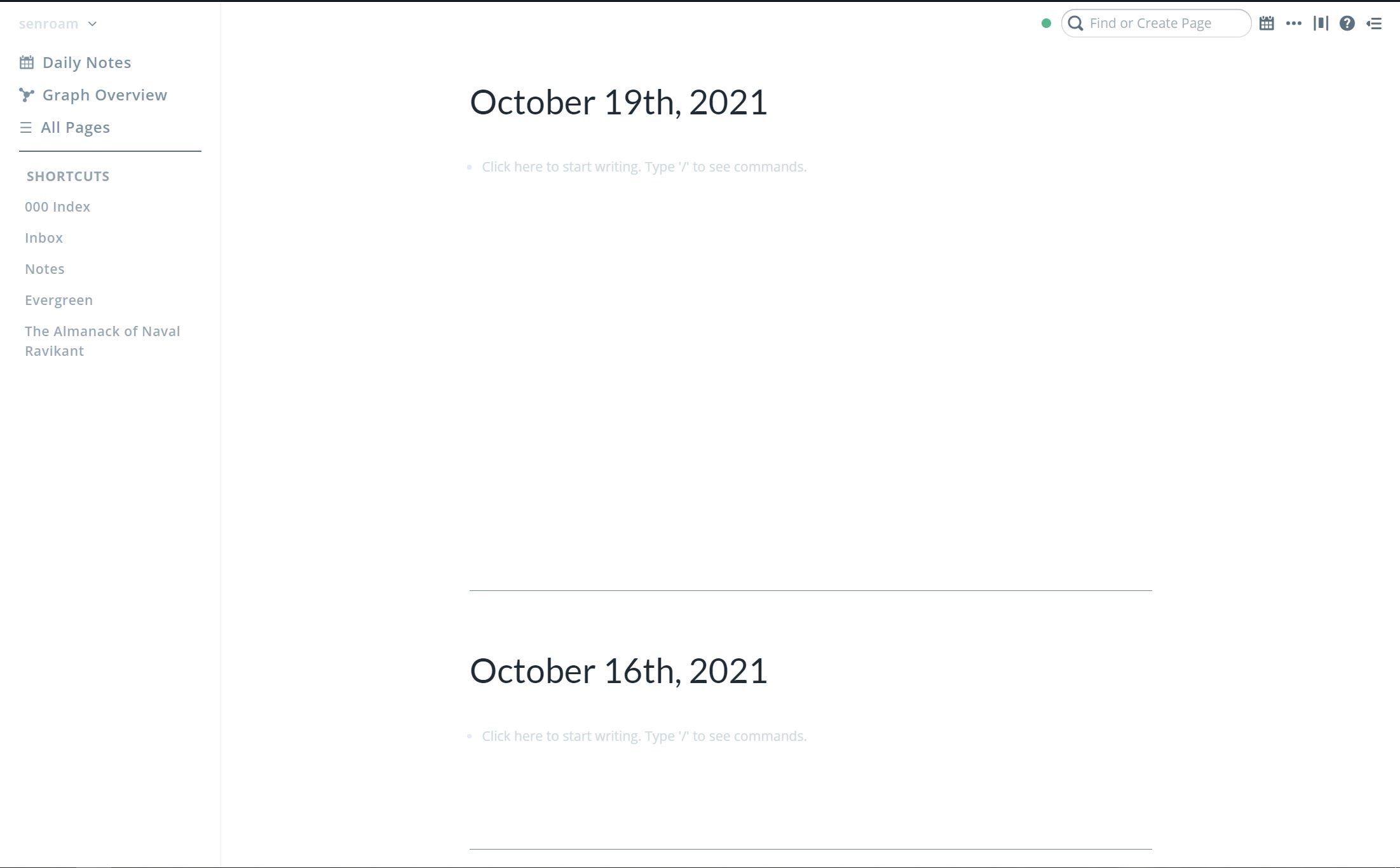
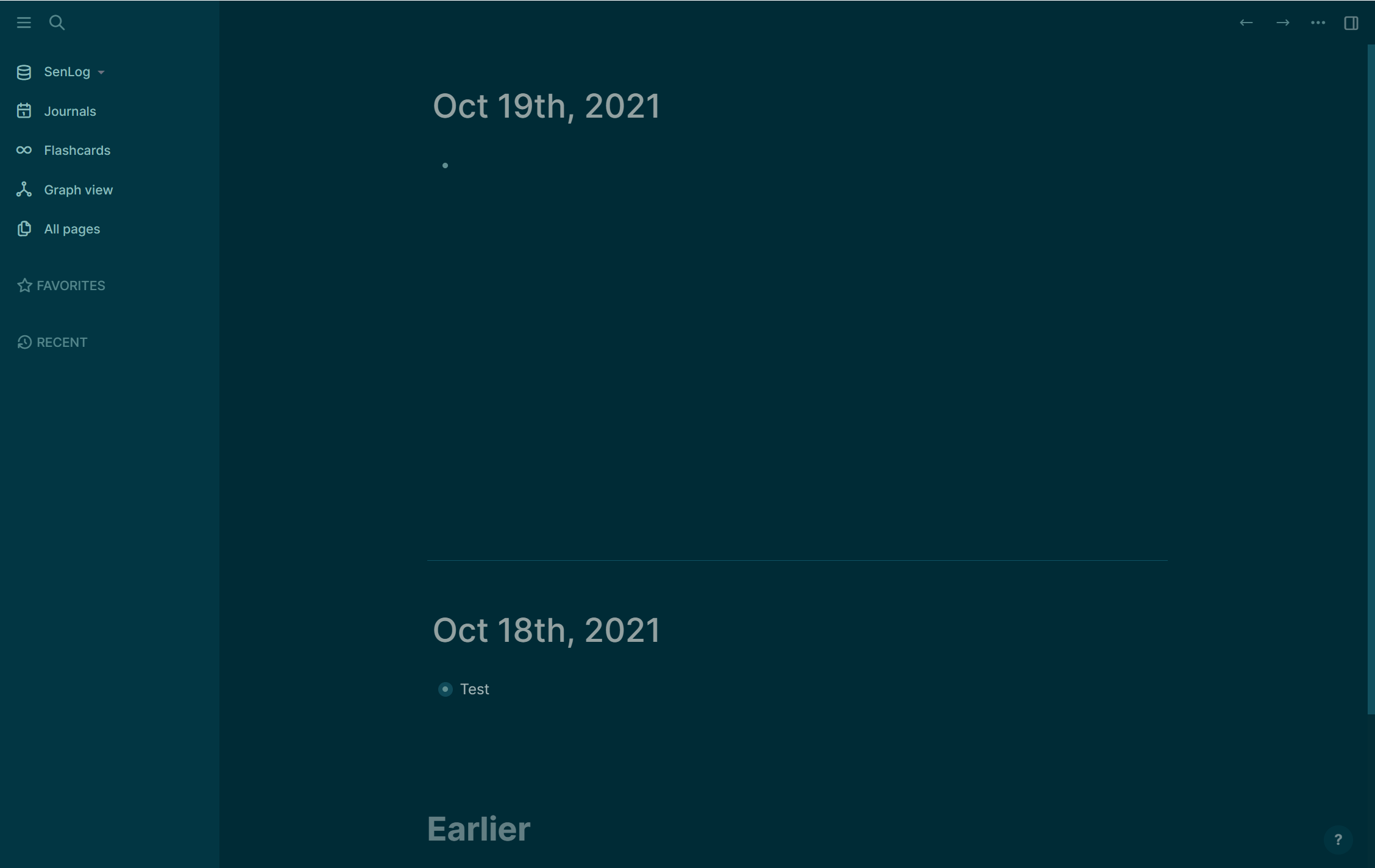
[The first screenshot is Roam, the second is Logseq]
It’s an app that does most of the same stuff as Roam, and even some more such as PDF highlighting as well as an inbuilt flashcard system.
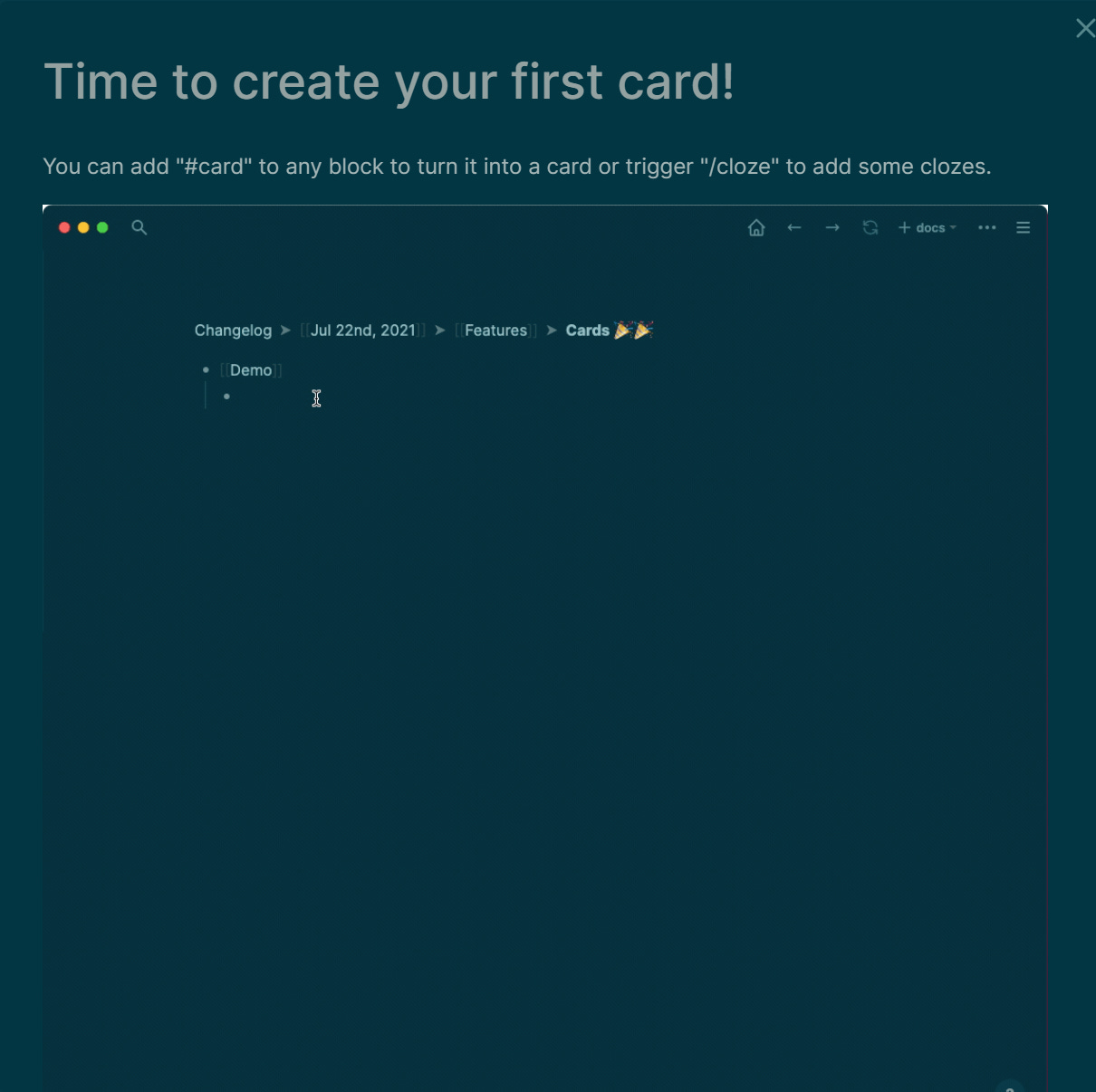
It also comes with the huge, huge, huge bonus of being completely local - you own your files, and they aren't on any servers. They're also plain markdown files, which means that you can easily migrate out of Logseq should you feel the need to.
So if you've been wanting to use something like Roam for a while now, you should check out Logseq here.
Using Anytype - 3 Days Later
So a few issues ago, I wrote about how I was going to be getting access to the alpha program for Anytype, a cool Web 3.0 application that looks exactly like Notion that aims to be an operating system for life.
Well, on the 16th, I got onboarded for the alpha of Anytype, and so far I'm having a fairly positive experience.
Their Android app in particular is really fluid and fast in comparison to Notion, and the sync between devices (especially when they're on the same network) is really fast.
In fact, I'm typing this issue on Anytype - one thing that I did find to be semi-challenging when first using the app was adjusting to the new definitions in Anytype.
So everything you make inside of Anytype (every page that is, as far as I gather from my understanding) is an Object. Then, certain Objects will have similar traits ie: Christopher Nolan and Martin Scorsese are both directors - these traits are known in Anytype as Types.
With Types in Anytype, you can either use the pre-installed ones, such as Action Plans, Articles and more.
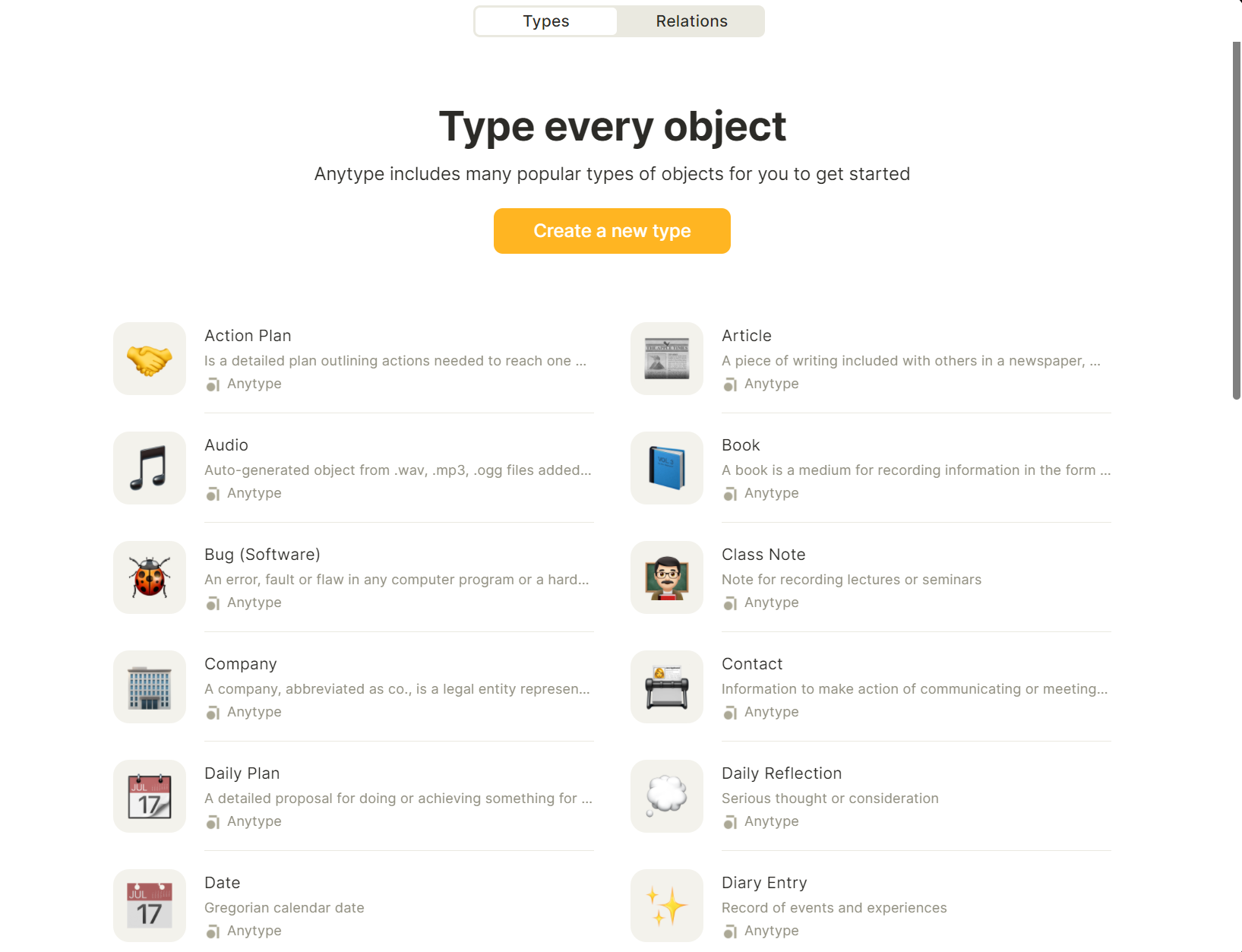
You can also make your own Types, and make templates for those Types that you can choose from.
For example, if I made a Type called "Newsletter", then I could make templates to choose from when I designate an Object as being a newsletter.
Within an Object, I can also form Relations - these are what I can use to connect Objects with each other. For example, if I have two documents - "Article 1" and "Article 2" that are due on the same day, I could form a Relation between the two based on the due date, and they would now be connected.
If this feels really confusing - don't worry, I found it quite confusing as well. I'll keep updating you as I continue to use it.
Article - 100 Tips for A Better Life
Came across this great listicle recently of various tips for a better life, ranging from areas such as work, to products, to relationships and more.
You can find the full article here, but here are some of my personal favourites.
If you want to find out about people’s opinions on a product, google <product> reddit. You’ll get real people arguing, as compared to the SEO’d Google results.
I've already been doing this, but for those who didn't know, it's a great way to find honest opinions and insights on a product you're thinking of purchasing.
Things you use for a significant fraction of your life (bed: 1/3rd, office-chair: 1/4th) are worth investing in. When buying things, time and money trade-off against each other. If you’re low on money, take more time to find deals. If you’re low on time, stop looking for great deals and just buy things quickly online You can automate mundane computer tasks with Autohotkey (or AppleScript). If you keep doing a sequence “so simple a computer can do it”, make the computer do it.
I need to start using Autohotkey in Premiere.
The 20-20-20 rule: Every 20 minutes of screenwork, look at a spot 20 feet away for 20 seconds. This will reduce eye strain and is easy to remember (or program reminders for).If you listen to successful people talk about their methods, remember that all the people who used the same methods and failed did not make videos about it.
This is something really important to remember whenever you see all those Entrepreneur/Influencer types like Gary Vee and everyone who copies his format.
Tool - CreatorLink
CreatorLink is a neat link in bio tool that's clean and fully featured, with good integration to services such as Substack.
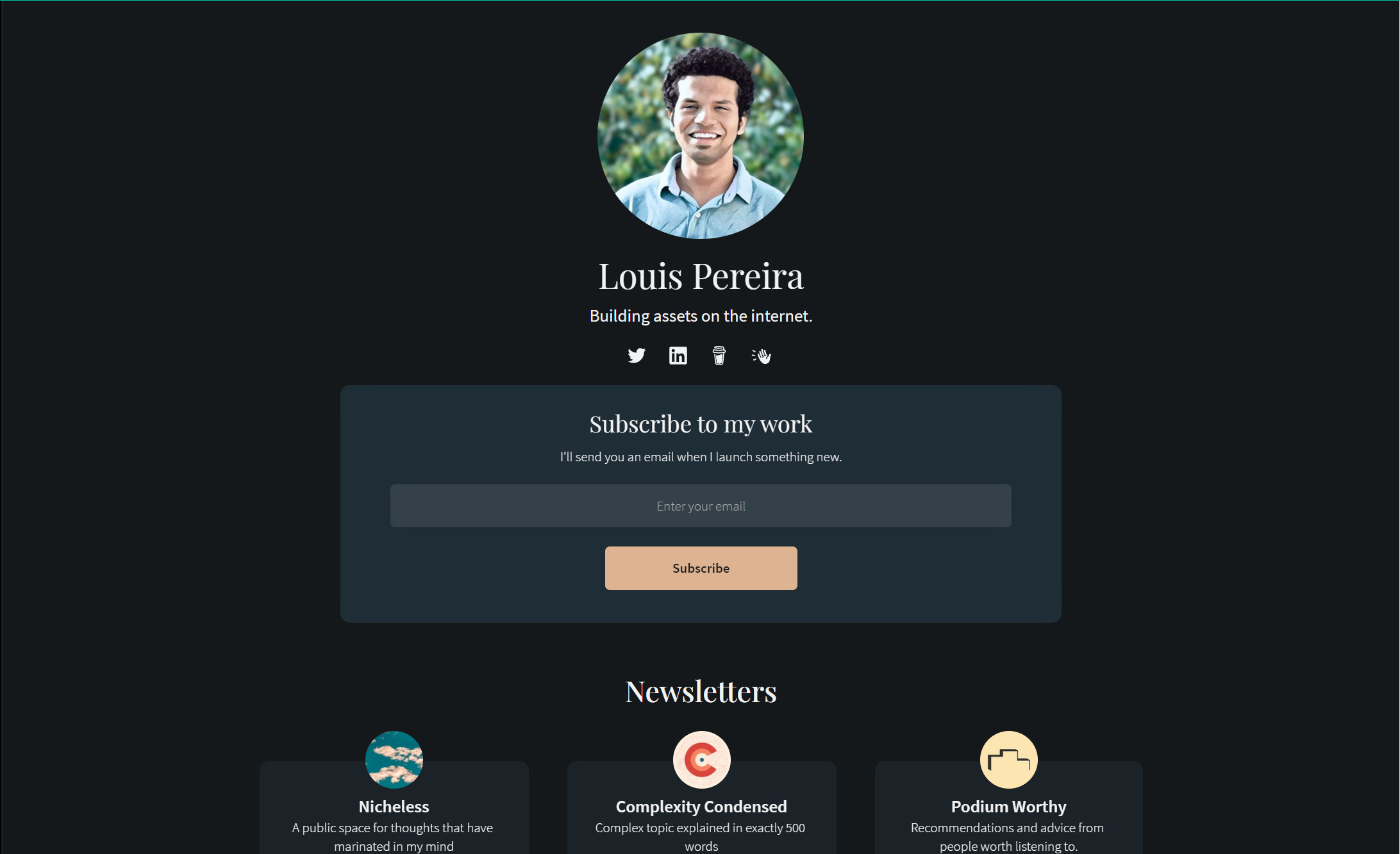
Definitely check it out if you're in need of a link in bio.
Hope you found this useful, and if you did, a share would be greatly appreciated!